
view apdcl bill
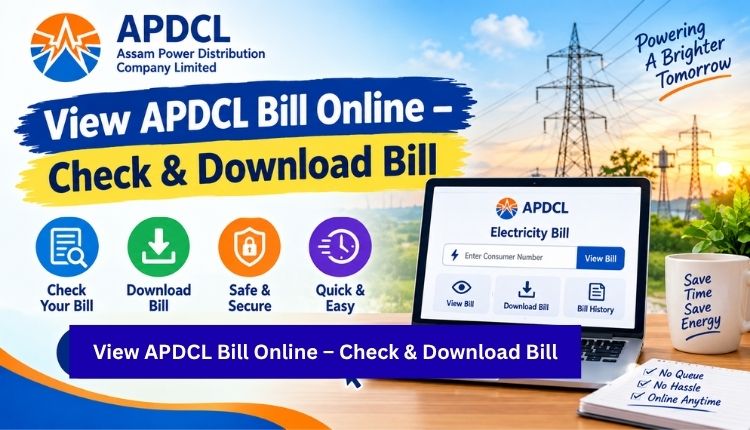
If you just want to view APDCL bill details right now, here’s the short version: go to the APDCL bill view page, enter your 11-digit consumer account number, and your latest bill loads on screen within seconds. No login, no app download, no waiting on hold.
That said, a lot of APDCL consumers still get stuck somewhere in this process. Maybe the consumer number doesn’t match, maybe the bill amount looks off, or maybe they can’t tell whether they’re looking at the current bill or an old one. This guide covers all of that, plus what to do once you’ve actually seen your bill.
Why You’d Want to View Your APDCL Bill Before Paying
Some people pay their electricity bill on autopilot every month without checking it. That’s fine until the month it isn’t. Viewing your bill first lets you catch:
- A sudden spike in units consumed (sometimes a meter reading error, sometimes a real usage jump)
- A wrong billing cycle or duplicate charge
- Whether a previous payment actually got applied
- The exact due date, so you’re not guessing and risking a late fee
It takes less time to check than it does to read this paragraph, so there’s not much reason to skip it.
How to View APDCL Bill Online: Step-by-Step
Here’s the full process, assuming you’re starting from scratch with just your consumer number in hand.
- Open the APDCL bill check page on this site.
- Locate your 11-digit consumer account number. It’s printed on any previous physical or digital bill, usually near the top.
- Type the number into the input field. Double-check for typos, since a single wrong digit will pull up nothing or the wrong account.
- Click submit. Your current bill should load with the billing period, meter readings, units consumed, and total amount payable.
- Review the numbers against what you remember from last month. If something looks unusual, note it before you move on to payment.
This works whether you’re on a laptop or checking from your phone’s browser. There’s no APDCL account registration required for a basic bill lookup.
What Information Shows Up When You View Your Bill
A typical APDCL bill isn’t just a single number. Here’s what you’ll actually see broken down on the page:
| Field | What It Tells You |
| Consumer Account Number | Your unique 11-digit identifier with APDCL |
| Billing Period | The month or cycle the charges cover |
| Previous Reading | Meter reading at the start of the cycle |
| Current Reading | Meter reading at the end of the cycle |
| Units Consumed | Total electricity used in kWh |
| Tariff Category | Your connection type (domestic, commercial, HT, etc.) |
| Amount Due | The final payable amount, including any surcharges |
| Due Date | The last date to pay without a late fee |
If any of these fields look blank or clearly wrong, it’s worth reaching out to APDCL customer care rather than assuming it’ll sort itself out next month.
Viewing Your Bill Through the myBijulee App
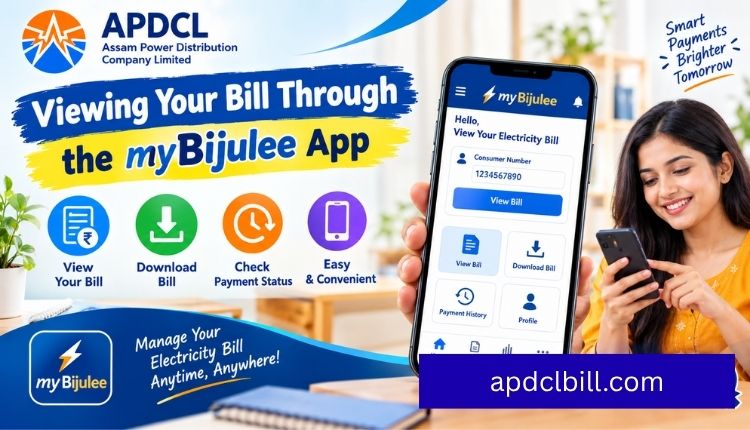
APDCL also runs an official mobile app called myBijulee, available for both Android and iOS. If you’d rather not open a browser every time, the app lets you view your bill, pay it, and manage a prepaid connection from the same place. The steps inside the app mirror the web version closely: enter your consumer number once, and it’ll remember it for future visits unless you clear the app data, Visit more.
One thing worth knowing: the app and the website pull from the same billing database, so there’s no version where one shows a different amount than the other. If they disagree, it’s almost always a caching delay rather than an actual billing discrepancy.
Viewing a Prepaid APDCL Connection
If your home runs on a smart prepaid meter instead of a traditional postpaid connection, “viewing your bill” looks a bit different. There’s no monthly invoice waiting for you. Instead, you check your remaining balance and consumption history, and recharge before it runs out. The prepaid bill payment page covers how to check your balance and top it up in one flow.
What to Do After You View Your APDCL Bill
Once you’ve confirmed the details are correct, there are three common next steps depending on what you need:
- Pay it now: Head to the APDCL bill payment page or the more detailed bill payment online guide if you want the full walkthrough with all supported payment methods.
- Download or print a copy: If you need the bill for a rental agreement, loan paperwork, or your own records, the bill download PDF guide walks through saving it directly from the same page you viewed it on.
- Save the payment receipt: After paying, don’t skip the receipt. The view bill receipt guide explains where to find and download it if you close the confirmation screen too fast.
Common Payment Methods After Viewing Your Bill
Once you’ve confirmed the amount, here’s what you can pay with:
| Payment Method | Notes |
| UPI | Fastest, instant confirmation |
| Debit Card | Visa, Mastercard, RuPay accepted |
| Credit Card | Small convenience fee may apply |
| Net Banking | Most major Indian banks supported |
| Mobile Wallets | Paytm, Freecharge, and similar |
| Cash / Cheque | Only at authorised APDCL collection centres |
Troubleshooting: When Your Bill Won’t Load
A handful of things cause the viewer to come up empty, and almost none of them mean something is wrong with your connection:
- Wrong digit count: Older accounts sometimes had a 12-digit number, but the current system uses 11 digits. If you’re typing an old-format number, it may not match.
- Extra spaces: Copying a consumer number from a PDF sometimes drags along invisible whitespace. Retype it manually if pasting doesn’t work.
- New connection lag: A brand-new connection can take a billing cycle or two before it shows up in the online system.
- Server load during peak hours: Like most utility portals, traffic spikes right before due dates. If the page is slow, try again in a few minutes rather than refreshing repeatedly.
If none of that resolves it, your APDCL customer care line can pull up the account directly and tell you what’s going on.
FAQs About Viewing Your APDCL Bill
Do I need to create an account to view my APDCL bill?
No. A one-time bill lookup only needs your 11-digit consumer account number. Registration is only necessary if you want to save the number for repeat visits or manage multiple connections.
How often is the bill updated on the portal?
Bills typically appear online within a day or two of the meter reading being recorded. If your latest reading isn’t showing yet, it may still be in processing.
Can I view a past month’s bill, not just the current one?
The standard viewer shows your current outstanding bill. For older bills, you’ll usually need to check your payment history or contact customer care, since most portals don’t archive every past cycle for public viewing.
Why does my bill show ₹0 or “no dues”?
This usually means your last payment cleared successfully and there’s nothing pending yet, or your next bill hasn’t been generated for the current cycle.
Is it safe to view my bill on a public or shared computer?
Viewing itself is low-risk since it only requires your consumer number, not a password. That said, avoid entering payment details on a shared device, and always log out of any linked account.
What if my consumer number shows someone else’s bill?
This is rare but does happen, usually from a data entry error at APDCL’s end when the account was set up. Report it to customer care immediately rather than paying the amount shown.
Conclusion
Viewing your APDCL bill is meant to be quick: pull up the page, type in your consumer number, and see exactly what’s owed before you pay a single rupee. The extra minute it takes to actually read the details, rather than paying blind, is what catches billing errors before they become a bigger headache later. Once you’ve confirmed everything looks right, paying, downloading a copy, or saving your receipt takes just as little time.
About the Author




