
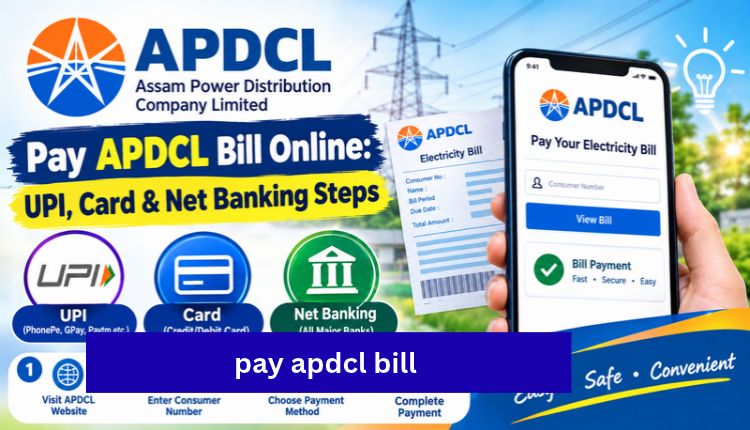
pay apdcl bill
If you need to pay APDCL bill dues from your phone, you can finish the whole thing in about five minutes. You don’t need to stand in a queue or visit a collection counter. You need your consumer number, a working payment method and a stable internet connection.
APDCL stands for Assam Power Distribution Company Limited. It supplies electricity to homes and businesses across Assam. Most payment problems come from small things: a mistyped consumer number, the wrong portal, or paying twice because the first attempt looked stuck. This guide covers the correct steps and what to do when something goes wrong.
Quick Summary: Ways to Pay Your APDCL Bill
| Method | Speed | Best For |
| UPI | Instant | Most people, quickest option |
| Debit card | Instant | Visa, Mastercard and RuPay users |
| Credit card | Instant | Those who want to delay the bank debit (a small convenience fee may apply) |
| Net banking | Instant | Users comfortable with bank portals |
| Mobile wallets | Instant | Paytm, Freecharge and similar apps |
| Cash or cheque | Same day | Authorised APDCL collection centres only |
What You Need Before You Start
Keep these ready so you don’t have to stop halfway:
- Your consumer account number: The newer bill format uses 11 digits. It is printed near the top of any earlier bill.
- A payment method: This can be a UPI app, a card or your net banking login.
- Your phone: OTPs and bank confirmations usually arrive by SMS.
If you can’t find the number, look at an old paper bill or an SMS from APDCL. Older accounts sometimes still show the previous 12-digit format, so try both if one fails.
Step 1: Check Your Bill Amount First
Paying blind is a bad habit. Look at the bill first so you know the amount, the billing period and the due date. Use the APDCL bill check page, enter your consumer number, and your latest bill loads on screen. If you only want to look at the bill without paying, the APDCL bill view page does that. The view bill check page also works with no registration.
Take ten seconds to compare the units consumed with your usual usage. A sudden jump often points to a meter reading issue, and it’s easier to raise that before you pay.
Step 2: Pay APDCL Bill Online (No Login Needed)
Here is the one-time payment process:
- Open the APDCL bill payment page.
- Enter your consumer account number and click Next.
- Confirm the bill amount and due date shown on screen.
- Choose UPI, debit card, credit card, net banking or a wallet.
- Complete the verification in your bank or UPI app.
- Screenshot or save the receipt once the payment confirms.
Most payments show up immediately. If yours doesn’t, don’t rush to pay again (more on that below).
There is also a simpler walkthrough on the APDCL bill pay page if you want a shorter version of these steps.
Step 3: Use the myBijulee App (Optional)
APDCL has an official mobile app called myBijulee, available on Android and iOS. It lets you view bills, pay online and recharge prepaid meters from one place. It’s a good choice if you pay every month, because you don’t have to type the consumer number each time. For a one-off payment, the web method above is quicker, Visit more.
Paying at a Collection Centre
Some people still prefer to pay in person, especially when they want to pay by cash or cheque. This is only possible at authorised APDCL collection centres. Carry your latest bill, ask for a printed receipt and keep it. Online is faster, but offline is a fine fallback when your internet or bank app isn’t working.
Save Your Receipt and Download the Bill
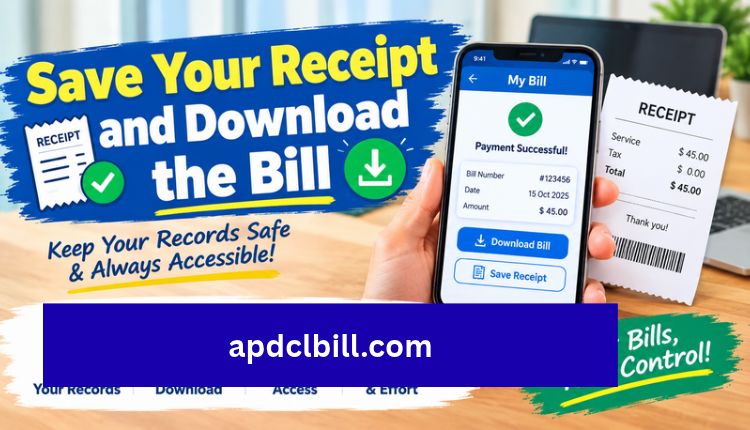
Don’t skip this step. A payment receipt is your proof if the system shows the bill as unpaid later. You can also download a PDF copy of the bill itself, which is handy for a loan application, a rental agreement or proof of address. The APDCL bill download page and the bill download PDF guide show how to do it.
A good habit is to keep the last three months of bills and receipts saved on your phone or in cloud storage.
What If Your Payment Fails or Money Is Deducted?
This is the most common worry, and it usually sorts itself out.
| Situation | What to Do |
| Payment failed and no money left your account | Try again with the same or a different method |
| Money deducted but bill still shows unpaid | Wait until the next working day, as bank confirmation and APDCL’s system can sync late |
| Still unpaid after a day | Contact APDCL customer care with your transaction reference number |
| Paid twice by mistake | The extra amount is normally adjusted in your next bill, but confirm with customer care |
Don’t make a second payment just because the first one looks stuck. That is how most duplicate payments happen.
Late Payment: Don’t Wait Until the Last Day
You can technically pay after the due date, but a late surcharge may apply. Try to pay two or three days early. Bank servers and payment gateways can slow down on the final day, and you don’t want a failed transaction to push you past the deadline.
For the latest tariff rates and policy details, check APDCL’s official website, since these can change.
Related Guides on This Site
If you want more detail on a specific part of the process, these pages help:
- APDCL Assam bill: check, pay and download online is a full overview of the billing system.
- Bill payment APDCL guide covers paying your Assam electricity bill in more depth.
For questions about how this site works, see our About Us page. Please also read the Disclaimer, since this is an informational site and not APDCL’s official portal. If you have a query for us, use the Contact Us page.
Frequently Asked Questions
How do I pay my APDCL bill online?
Open the payment page, enter your consumer account number, confirm the amount, choose a payment method like UPI or card, and complete the verification. Save the receipt afterwards.
Can I pay APDCL bill without registering?
Yes. You can make a one-time payment with just your consumer number. No account or login is required.
Which payment methods are accepted?
UPI, debit cards, credit cards, net banking and mobile wallets work online. Cash and cheque are accepted only at authorised collection centres.
How many digits is the APDCL consumer number?
The newer bill format uses 11 digits. Some older accounts may still show a 12-digit number.
My money was deducted but the bill still shows unpaid. What now?
Wait until the next working day. If nothing changes, contact APDCL customer care with your transaction reference number.
What happens if I pay the bill twice?
The extra amount is typically adjusted against your next bill. If it isn’t, contact customer care with your transaction details.
Is it safe to pay APDCL bill online?
It is generally safe when you use official or trusted payment platforms with protected gateways. Never share your OTP or UPI PIN with anyone.
Can I pay after the due date?
Yes, but a surcharge may apply. It’s better to pay before the due date printed on your bill.
Is there an app to pay APDCL bill?
Yes. The official myBijulee app on Android and iOS lets you view bills, pay and recharge prepaid meters.
Can I download my payment receipt?
Yes. Most payment platforms and official portals let you download or print the receipt after a successful payment.
Conclusion
Paying your electricity bill shouldn’t be stressful. Have your consumer number ready, check the amount, pick a payment method and save the receipt. Paying a few days before the due date avoids the last-minute rush and any late surcharge. If a payment looks stuck, wait a working day before trying again, and keep your transaction reference handy in case you need to call customer care.
Bookmark this page so you have the steps ready next month. When you’re ready, go to the APDCL bill payment page and clear your dues.
About the Author




